So you've probably heard about Cursor AI if you're looking into AI tools for coding, right? It's one of those coding assistants that's supposed to make writing, cleaning up, and fixing code way easier and faster. And honestly, it's gotten pretty popular lately - tons of developers are talking about it.
But here's the thing: Cursor AI isn't your only option. Sure, it's getting all the attention, but there are actually quite a few other tools out there that might work better for what you're trying to do. Maybe you need something more flexible, or perhaps you're working with a tighter budget and need something that won't break the bank.
In this Blog, we’ll explore the top Cursor AI competitors and break down the Cursor AI alternatives worth considering in 2025.
What is Cursor AI and why are we looking for alternatives?
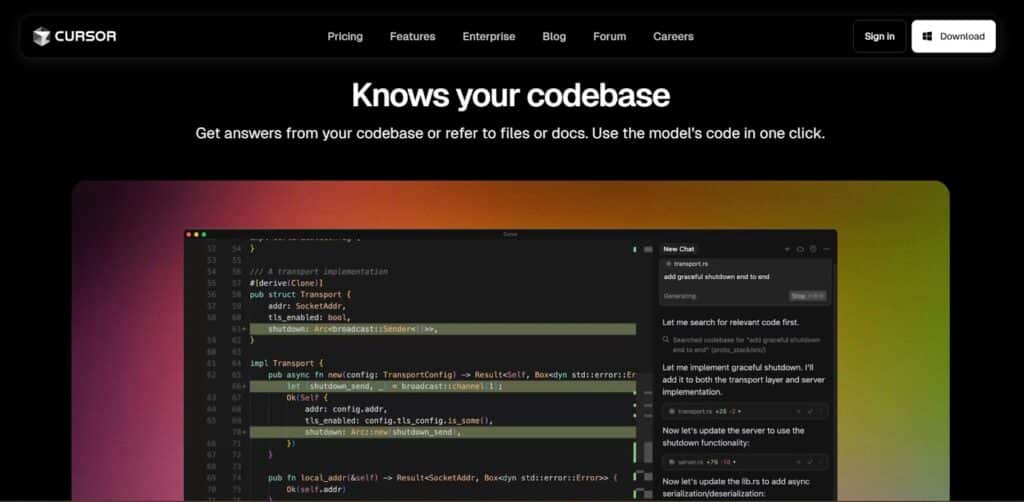
Cursor AI is basically VS Code with AI baked right in. It's built to make AI a regular part of how you code every day. You can write, edit, and clean up code faster by just talking to it in plain English, and it understands your entire project, not just individual files.
At its core, Cursor offers:
- Built-in AI chat that answers questions about your code right in the editor.
- Smart suggestions that look at your whole project, not just the file you're working on.
- Easy code edits using everyday language - just say "make this function async" and it does it.
- Agent mode that handles bigger jobs like building new features or hunting down bugs.
- Intelligent code search that finds exactly what you need using AI embeddings.
- Privacy settings that keep everything on your computer unless you want to share it.
It’s a solid tool, especially for developers who like the idea of talking to their code editor and getting meaningful, real-time feedback.
So why look for alternatives?
Cursor AI is facing significant backlash over recent pricing changes that occurred in June 2025. The controversy centers around several key problems:
1. Introduction of Expensive $200 Ultra Plan: They rolled out this new Ultra plan for $200 a month on June 16th, claiming it gives you "20x more usage than Pro." Most people think that's way too steep compared to the $20 Pro plan they were already using.
2. Changes to the Pro Plan: Users are saying Cursor basically "killed the Pro plan" by cutting usage limits right in the middle of people's billing cycles. Apparently 500 requests got slashed to around 225, and the Pro tier got so limited it's basically useless now.
3. Billing Model Confusion: They switched to this weird system where you pay $20 upfront, then get hit with extra charges when you go over your token limit. People are confused about how it works and getting surprised by unexpected charges.
4. Lack of Transparency: The biggest issue is that Cursor didn't explain these changes well, leaving users feeling like they got blindsided. This isn't even the first time - developers were already canceling subscriptions back in April over similar issues.
Company Response
Cursor's CEO did apologize over the weekend for the messy pricing rollout that left some users with bigger bills than expected. They're giving refunds to people who got hit with surprise charges between June 16 and July 4, and they've promised to do better at explaining pricing changes going forward.
But the damage was already done. The backlash got so bad that there's been a real "developer exodus" - tons of users are jumping ship to other AI coding tools. It just goes to show how important it is to be upfront with people when you're changing what they pay for subscription software.
Best Cursor AI Alternatives in 2025
Here’s a curated list of the best Cursor AI competitors and alternatives that are making waves in 2025.
1. OpenAI Codex — The Brain Behind GitHub Copilot
GitHub Copilot runs on OpenAI's Codex, but you can actually use Codex directly if you want more control over your AI coding setup. Codex works with tons of different programming languages and can generate code just from describing what you want in plain English.
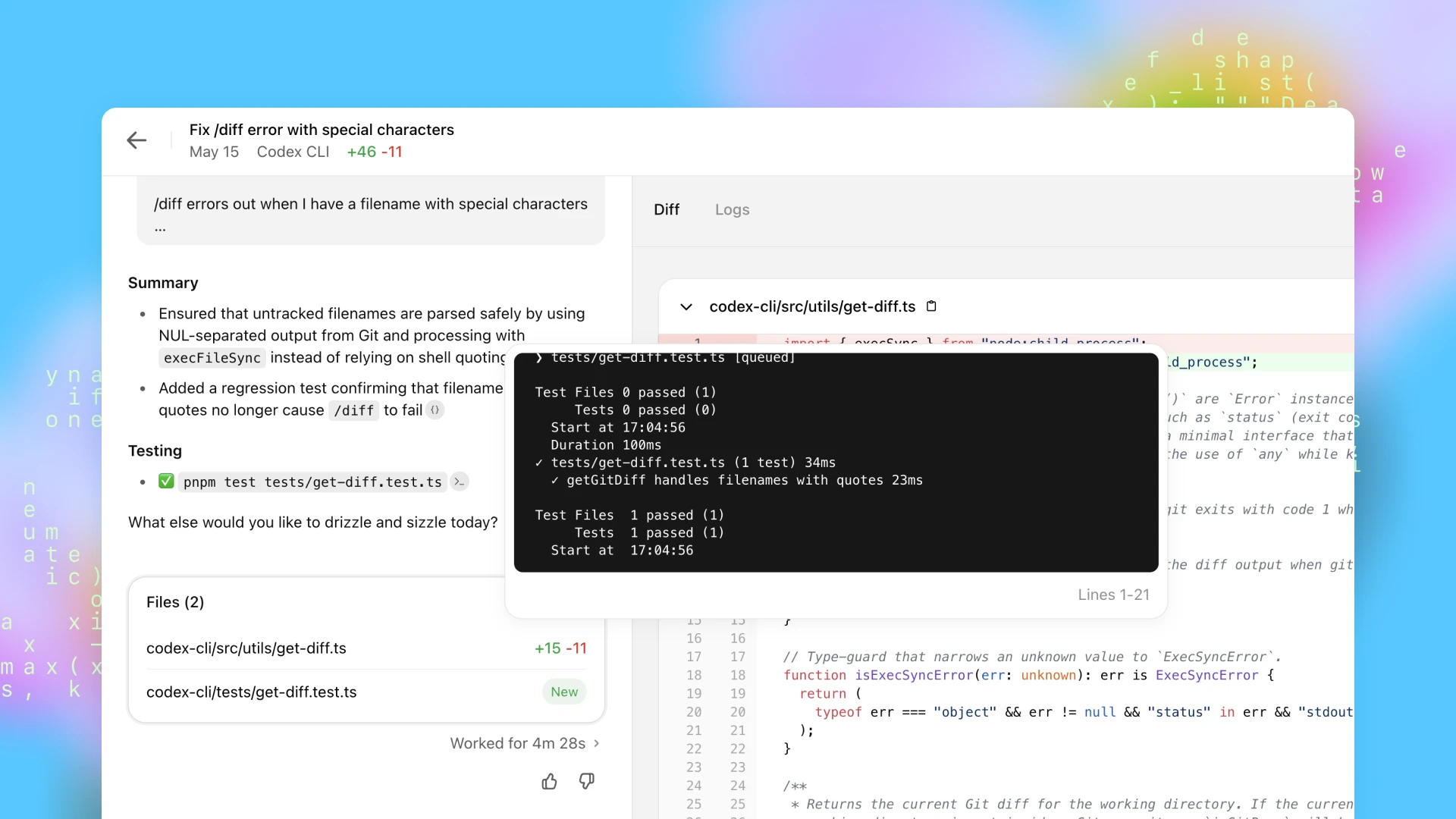
Why Consider OpenAI Codex?
- Flexibility: You can build your own custom AI coding tools that work exactly how you want them to.
- Advanced Features: Codex has more powerful features than ready-made tools like GitHub Copilot.
- Language Versatility: It handles dozens of programming languages, so you can use it for pretty much any project.
Where It Falls Short: Setting up and using Codex can be pretty complicated, so it's not great if you're just starting out or want something that works right out of the box.
2. GitHub Copilot
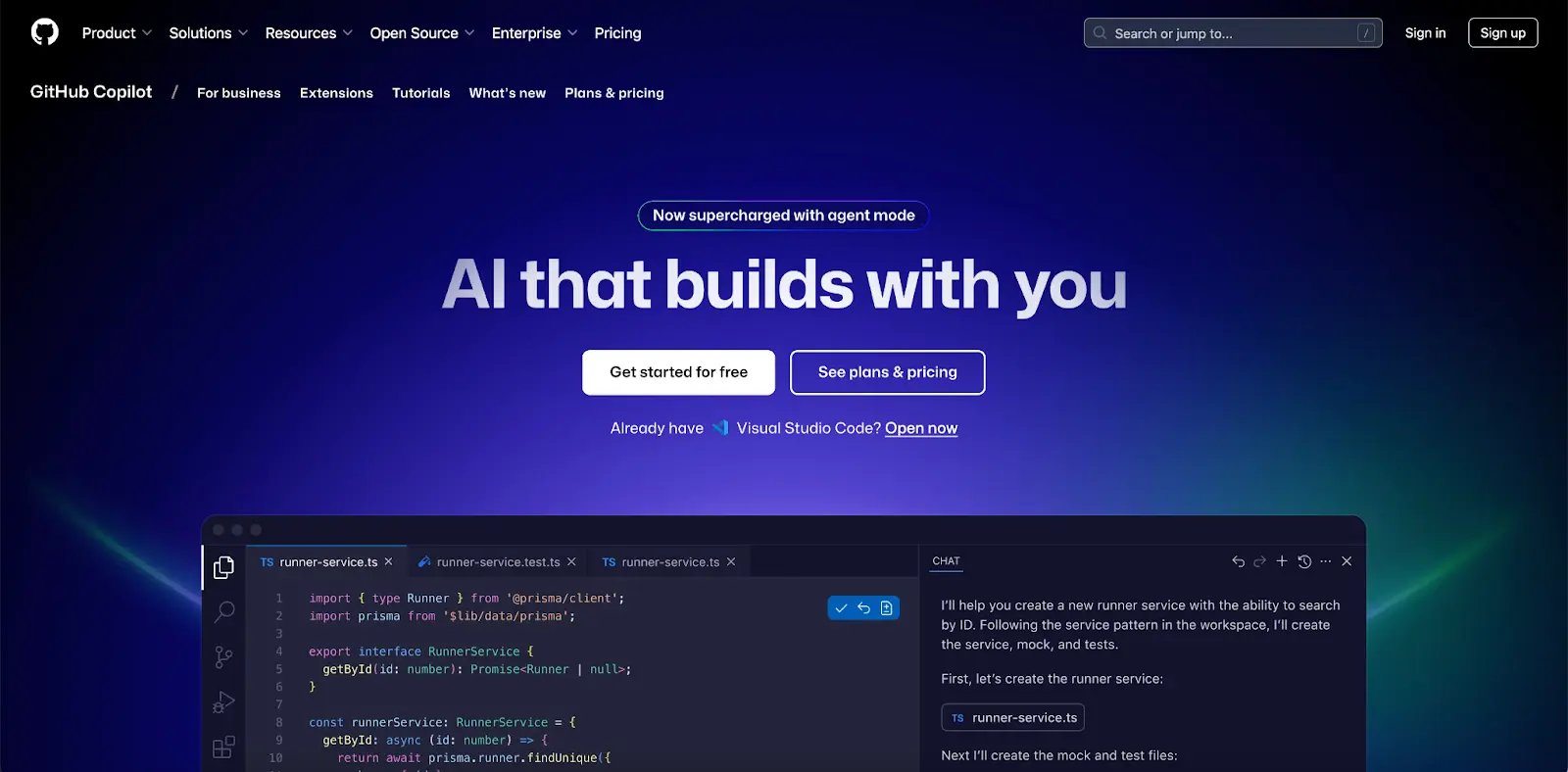
GitHub Copilot has been huge in the dev world because it can actually write whole functions for you, handle all that boring boilerplate stuff, and even help you debug issues. Since it's built on OpenAI's Codex, you can just tell it what you want in regular English, which makes it useful whether you're just starting out or you've been coding for years.
Why Consider GitHub Copilot?
- Natural Language Understanding: It learns from millions of public code repos, so it stays current with how people actually code today.
- Wide Language Support: Works with everything from Python to Go and tons of other programming languages.
- Continuous Learning: It learns from millions of public code repos, so it stays current with how people actually code today.
Where It Falls Short: Since it learned from public code, there can be some licensing headaches to worry about. Plus, you'll need to pay for a GitHub subscription once your free trial runs out.
3. Tabnine
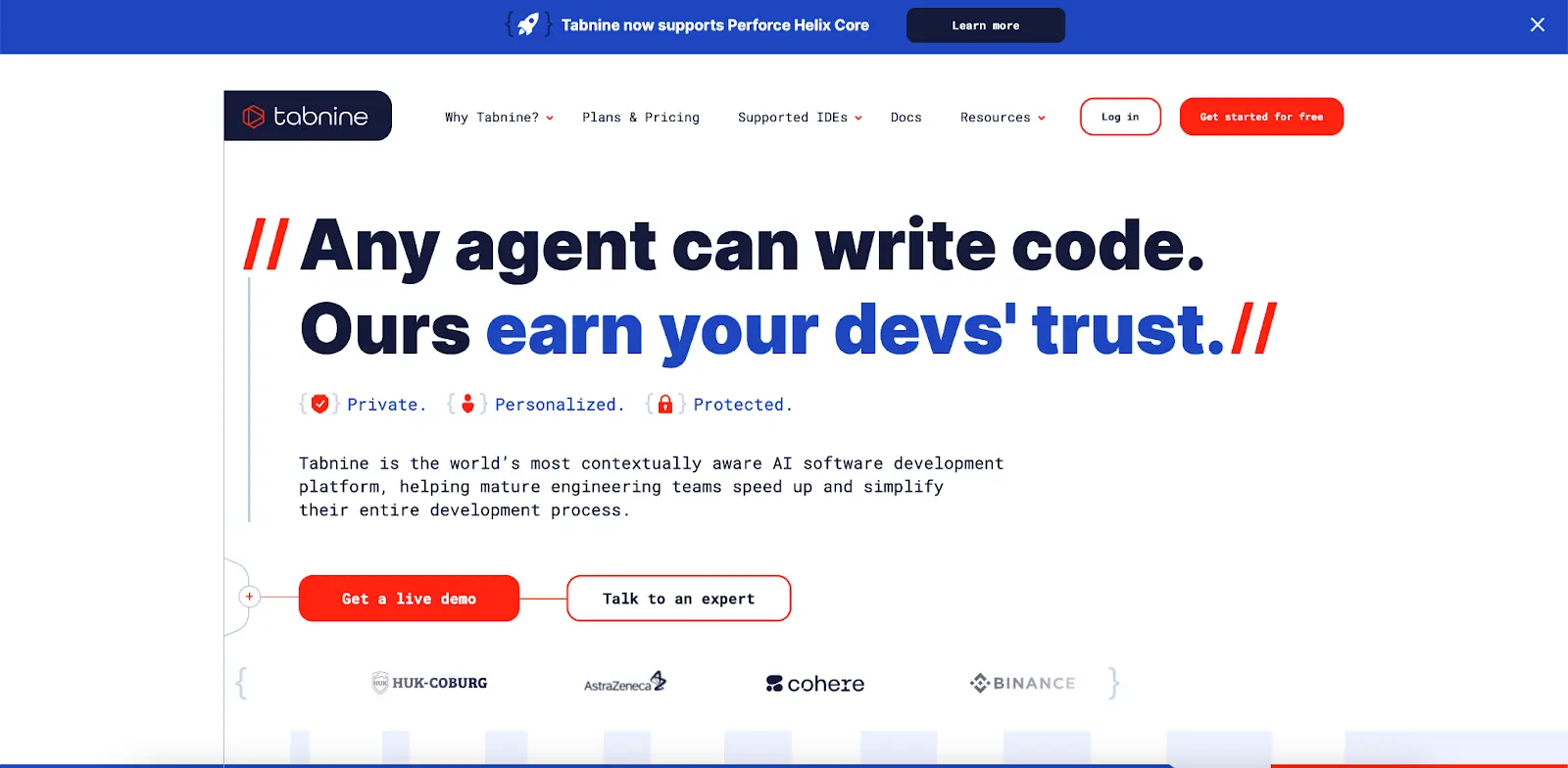
TabNine is probably one of the most well-known AI coding tools for autocompletion. It works with pretty much any editor you're already using - VSCode, Atom, Sublime Text, you name it. What makes it cool is that it's trained on tons of different codebases, so it gets really good at predicting what you're about to type and can suggest whole chunks of code that actually make sense.
Why Consider TabNine?
- Language Support: Python, JavaScript, C++, Rust - whatever language you're using, TabNine can handle it.
- Ease of Integration: It plugs into almost any code editor you're already comfortable with.
- Free and Paid Versions: You can start with the free version to try it out, then upgrade if you want the more powerful AI features.
Where It Falls Short: The free version is decent but pretty limited compared to what you get when you pay. If you want all the good stuff, you'll need to open your wallet.
4. Windsurf (ex. Codemium)
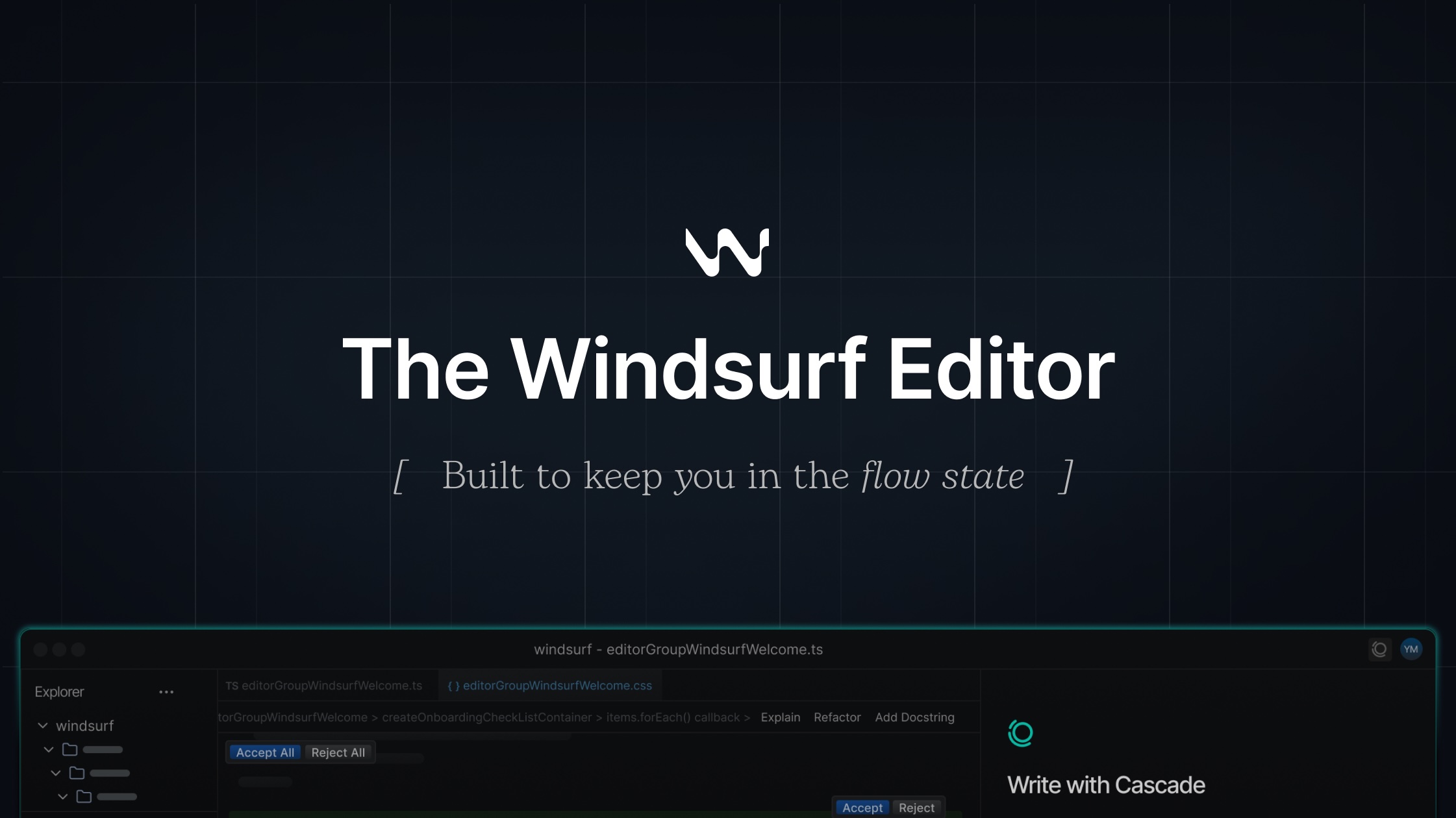
Windsurf is probably one of the most sophisticated AI coding setups you can get right now. It started out as Codeium but has grown into this full-blown AI-powered IDE that works with VS Code and IntelliJ, plus it has its own editor too. The AI behind it is pretty impressive - it handles code completion, generation, and helps you out across tons of different languages and frameworks.
Why Consider Windsurf?
- Comprehensive AI Integration: This isn't just filling in code snippets - it generates code, helps debug, and actually understands what's happening across your whole project.
- Cross-Platform Availability: Mac, Windows, Linux - doesn't matter. You can use their standalone IDE or just plug it into VS Code or IntelliJ.
- Extensive Language Support: Python, JavaScript, TypeScript, Java, C++, Go, Rust - pretty much whatever you're working with.
- Free Tier Available: The free tier is actually pretty generous, so you don't have to pay right away to get good AI features.
- Agent-Powered Workflow: Instead of just suggesting code, it has AI agents that get the bigger picture of what you're trying to build.
Where It Falls Short: Since it's still relatively new (just rebranded from Codeium recently), it doesn't have the same track record as GitHub Copilot or Cursor AI. Some features might still be getting worked out, and you won't find as much documentation or enterprise support compared to the more established tools.
5. Replit Ghostwriter
Replit Ghostwriter is basically an AI coding buddy that's built right into Replit's online IDE. It's like having someone looking over your shoulder who can help you write, clean up, and fix your code as you go. The AI uses some pretty smart language models to suggest code, explain what things do, and even write code just from you describing what you want.
Why Consider Replit Ghostwriter?
- Complete Code: Fills in code as you type, but actually understands what you're working on instead of just guessing.
- Explain Code: Select any chunk of code and it'll tell you what it does in plain English - super helpful when you're stuck.
- Transform Code: Just tell it how you want to change your code and it'll refactor it for you.
- Generate Code: Describe what you want and it'll generate the actual code - pretty neat for getting started on new functions.
- Ghostwriter Chat: Talk to the AI right in your editor about bugs, get suggestions, or ask questions without leaving your workspace.
- Proactive Debugging: Spots errors and suggests fixes as you code, so you don't have to hunt them down later.
- Multiplayer Collaboration: Multiple people can work on the same project at once, which is great for pair programming.
- GitHub Integration: Pull in your GitHub projects and work on them directly without any hass.
Conclusion:
The AI coding assistant market has reached a pivotal moment in 2025, with Cursor AI's pricing controversy serving as a catalyst for developers to explore alternative solutions. What started as a promising tool has faced significant backlash due to poorly communicated pricing changes, including the introduction of a $200/month Ultra plan and degradation of the Pro tier, leading to a notable "developer exodus."
The Market Has Matured
The good news is that developers now have numerous robust alternatives to choose from:
- GitHub Copilot remains the most established option with strong natural language understanding and continuous learning capabilities.
- Windsurf (formerly Codeium) emerges as a comprehensive AI agent-powered IDE with generous free tiers and cross-platform availability.
- TabNine offers excellent editor integration and language support across multiple pricing tiers.
- Replit Ghostwriter provides an integrated online IDE experience with real-time collaboration features.
- OpenAI Codex offers maximum flexibility for custom implementations.
Key Takeaways for Developers
- Pricing Transparency Matters: Cursor AI's downfall highlights the importance of clear, predictable pricing models in developer tools.
- Free Tiers Are Valuable: Tools like Windsurf and TabNine's generous free offerings make AI coding assistance accessible to individual developers and small teams.
- Integration Flexibility: The best tools seamlessly integrate with existing workflows rather than forcing complete editor changes.
- Feature Depth Varies: Consider whether you need basic autocompletion or advanced AI agents that can handle complex, multi-step tasks.
The Path Forward
As the AI coding assistant market continues to evolve, developers benefit from increased competition and innovation. The Cursor AI controversy has actually strengthened the ecosystem by pushing alternatives to improve their offerings and maintain transparent pricing. Whether you prioritize cost-effectiveness, advanced features, or seamless integration, there's likely an AI coding assistant that fits your specific needs and budget in 2025.
The key is to evaluate these tools based on your actual coding patterns, team size, and budget constraints rather than being swayed by marketing hype or pricing controversies alone.

.png&w=1200&q=75)