


Ever wished you could build apps, websites, and software without needing a whole team of developers, designers, and testers? Well, that future is here.
These 10 AI-powered tools can handle almost everything a traditional development team does – from writing code to designing interfaces to testing everything works perfectly.
Let's dive into each tool and see how they're changing the game for solo entrepreneurs and small teams.
1. GitHub Copilot - Your 24/7 Coding Partner
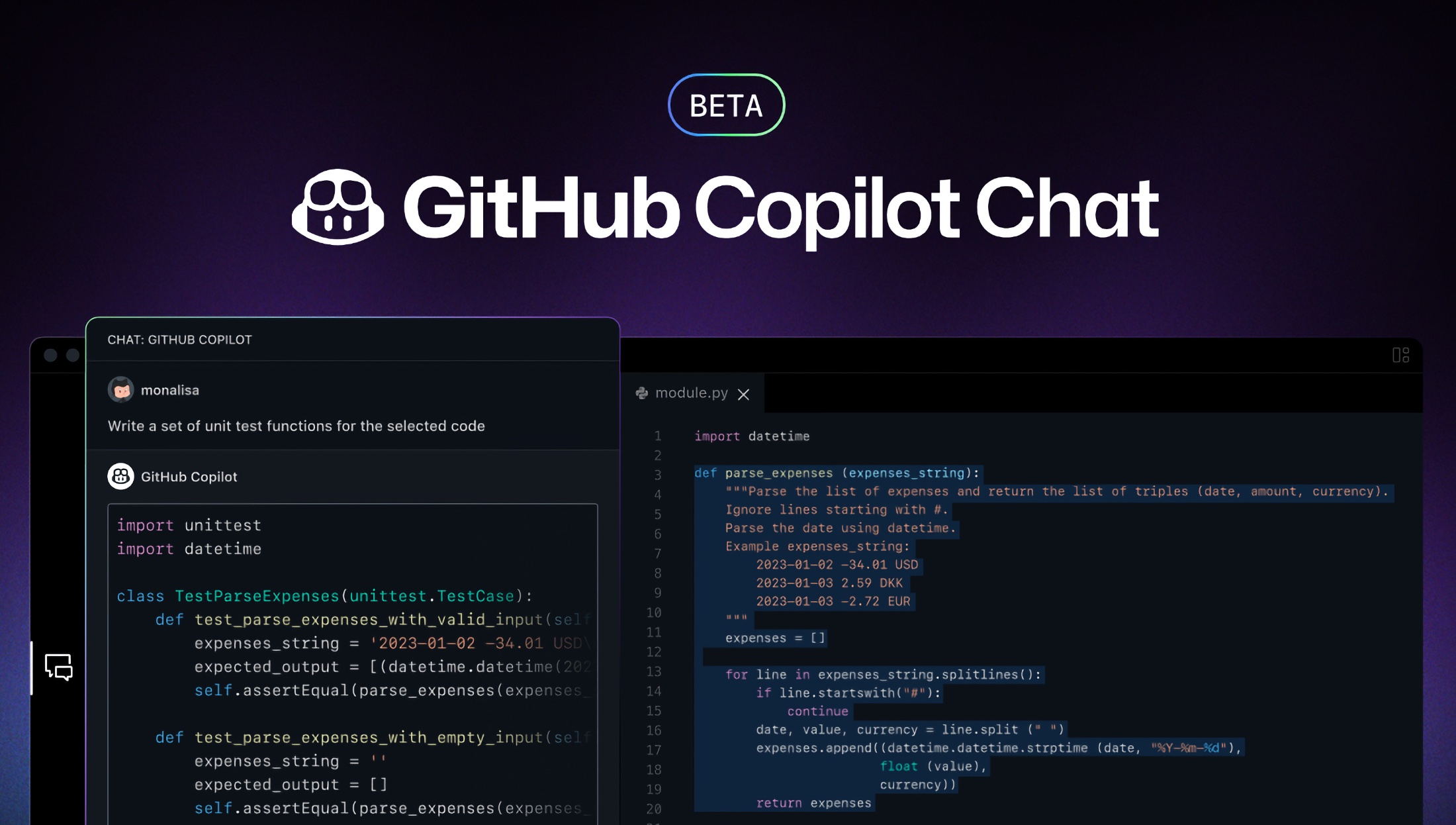
- What it does: Writes code for you as you type.
- Replaces: Junior developers and coding assistants.
- Best for: Any programming language, any skill level.
Think of GitHub Copilot as that super-smart friend who's always ready to help with your homework. But instead of math problems, it's solving coding challenges.
Here's what makes it special: You start typing what you want to build, and Copilot suggests entire functions, fixes bugs, and even explains complex code in plain English. It's like having an experienced developer looking over your shoulder 24/7.
- Real-world impact: Developers report finishing projects 55% faster with Copilot. Tasks that used to take a full day now get done in a few hours.
- The bottom line: If you're learning to code or you're already a pro, Copilot turns you into a coding superhero. It handles the boring, repetitive stuff so you can focus on the creative problem-solving.
2. ChatGPT Pro - The Tech Lead You Never Had
- What it does: Solves complex technical problems and plans your projects.
- Replaces: Senior developers, system architects, and tech consultants.
- Best for: Debugging, planning, learning new technologies.
ChatGPT Pro isn't just for writing essays. It's become the go-to tool for developers who need instant expertise in any programming language or technology.
Need to debug a tricky error? Paste your code and get a detailed explanation. Planning a new app? ChatGPT can map out your entire architecture. Learning a new framework? It creates personalized tutorials just for you.
- The game-changer feature: Code Interpreter can actually run your code, test it, and show you the results. It's like having a senior developer who can both explain problems and solve them on the spot.
- Real-world impact: Database queries that took hours to optimize now get fixed in minutes. Complex algorithms get explained in simple terms that anyone can understand.
- The bottom line: It's like having a tech lead, teacher, and debugging expert all rolled into one. Available 24/7, never gets tired, and costs less than hiring one junior developer.
3. Uizard & Galileo AI - Design Without Design Skills
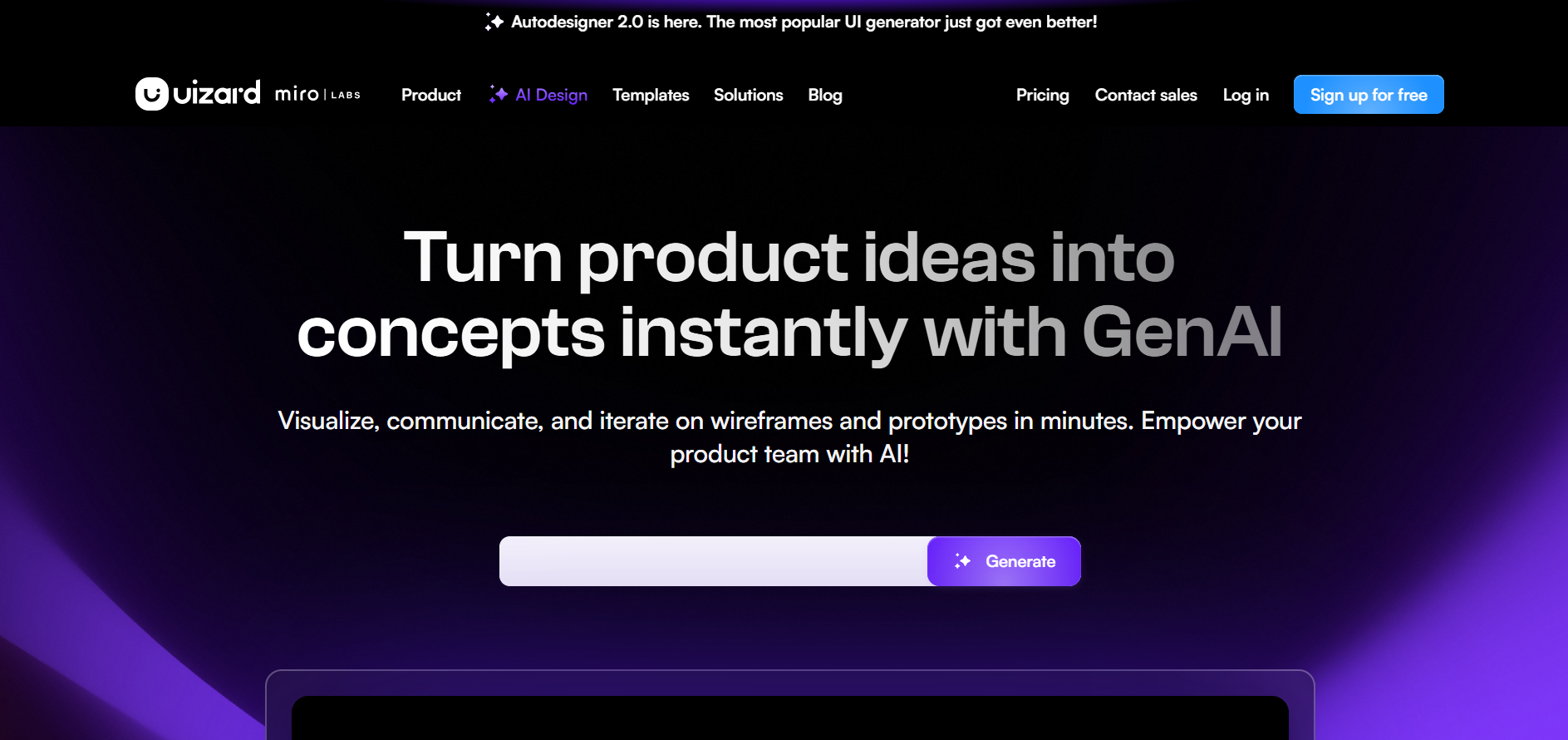
- What it does: Creates professional designs from sketches or simple descriptions.
- Replaces: UI/UX designers for basic to medium complexity projects.
- Best for: App mockups, website layouts, quick prototypes.
Here's where things get wild. You can literally sketch something on a napkin, take a photo, and these tools turn it into a polished digital design. Or just describe what you want: "a clean dashboard for a fitness app with charts and progress bars" – and watch it appear.
Galileo AI takes it further by creating entire design systems with consistent colors, fonts, and components that work together perfectly.
- The reality check: These won't replace professional designers for complex, brand-critical projects. But for getting started, testing ideas, or creating functional prototypes? They're absolutely incredible.
- Real-world impact: Design mockups that used to take 2-3 days now get created in 30 minutes. Solo developers can now create professional-looking apps without learning design principles.
- The bottom line: These tools democratize design. You don't need years of design experience to create something that looks professional and user-friendly.
4. Durable.co - Websites That Build Themselves
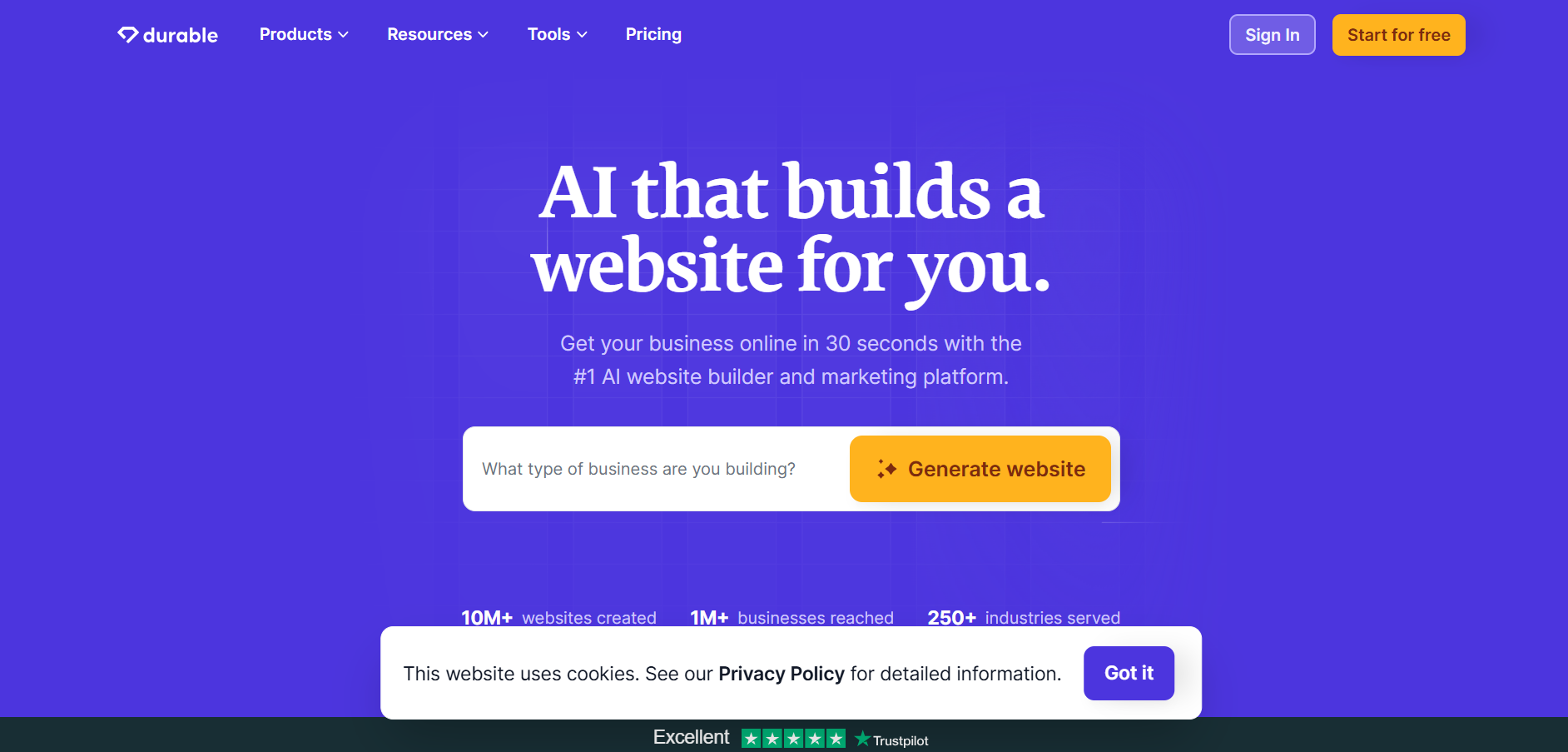
- What it does: Creates complete websites from simple business descriptions.
- Replaces: Web developers and designers for standard business sites.
- Best for: Business websites, landing pages, portfolios.
This feels like magic. You tell Durable about your business – maybe you're a local bakery or a freelance photographer – and it creates a complete website with copy, images, contact forms, and everything else you need.
The AI doesn't just slap together a template. It researches your industry, writes relevant content, chooses appropriate images, and creates a layout that actually makes sense for your business.
- What makes it special: The websites aren't just pretty – they're optimized for search engines and mobile devices. Plus, you can edit everything after it's created.
- Real-world impact: Small business owners who couldn't afford a $5,000 website now get professional sites for under $20/month. What used to take weeks now happens in under an hour.
- The bottom line: Perfect for anyone who needs a professional web presence without the complexity or cost of traditional web development.
5. Testing Tools: Testim.io, Waldo & Autify - QA on Autopilot
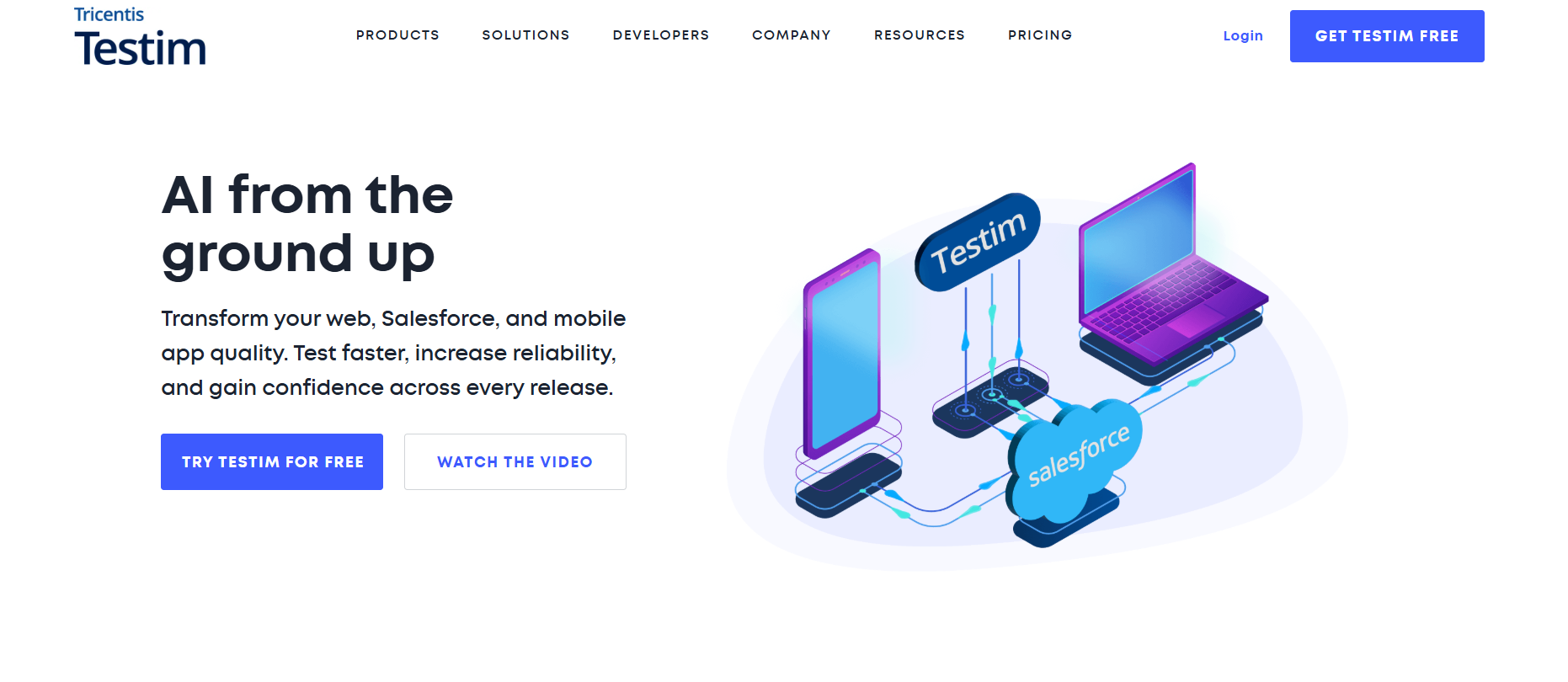
- What it does: Automatically tests your apps and websites for bugs.
- Replaces: Manual testers and QA engineers.
- Best for: Web apps, mobile apps, any software that needs regular testing.
Testing is crucial but incredibly boring. These AI tools watch how users interact with your app, then automatically create tests to make sure everything keeps working when you make changes.
Instead of clicking through every feature manually every time you update your app, the AI does it for you. It can test hundreds of scenarios in minutes and tells you exactly what's broken and how to fix it.
- The smart part: These tools learn your app's behavior and can spot problems you might miss. They even test on different devices and browsers automatically.
- Real-world impact: Teams spend 70% less time on manual testing. Bugs get caught before users see them, leading to better app reviews and fewer support tickets.
- The bottom line: Testing used to be the bottleneck that slowed down releases. Now it happens automatically in the background while you focus on building new features.
6. Replit Ghostwriter - Code Anywhere, Deploy Everywhere

- What it does: Provides a full coding environment in your browser with AI assistance.
- Replaces: Local development setups, deployment engineers, DevOps specialists.
- Best for: Quick prototypes, learning, collaborative projects.
Imagine having a complete development setup that lives in your browser, helps you write code, and can publish your projects with one click. That's Replit Ghostwriter.
No more spending hours setting up development environments or figuring out deployment. You open your browser, start coding, and Ghostwriter helps you along the way. When you're ready to share your project, one click makes it live on the internet.
- The convenience factor: You can code from any device, anywhere. Your projects are always saved and accessible. Collaboration is as easy as sharing a link.
- Real-world impact: Students and new developers can start coding immediately without technical setup barriers. Experienced developers use it for quick experiments and prototypes.
- The bottom line: It removes all the friction from getting started with coding. Perfect for learning, experimenting, or when you need to code on different devices.
7. Codium AI - Your Personal Test Writer
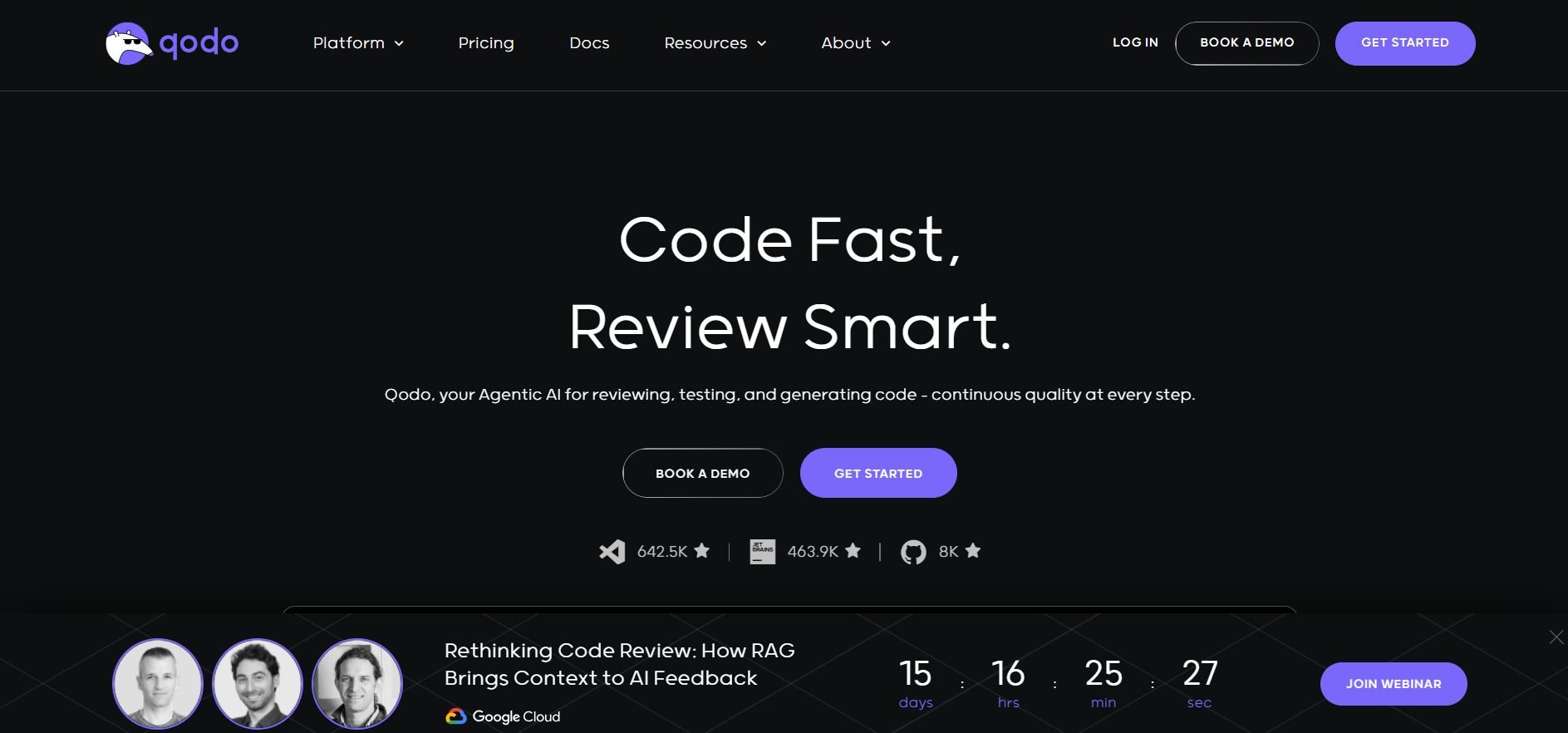
- What it does: Automatically generates comprehensive tests for your code.
- Replaces: Developers who write unit tests and quality assurance specialists.
- Best for: Any codebase that needs reliable testing.
Most developers hate writing tests, but they're essential for reliable software. Codium solves this by analyzing your code and automatically generating smart test cases that actually make sense.
It doesn't just create basic tests – it thinks about edge cases, error conditions, and real-world scenarios your code might encounter. The tests it creates are often better than what most developers would write manually.
- Integration magic: Works directly in popular code editors like VS Code. Write your function, and Codium instantly shows you comprehensive tests for it.
- Real-world impact: Projects get 80% better test coverage without developers spending extra time. This means fewer bugs in production and more reliable software.
- The bottom line: Finally, a solution to the "testing problem" that every developer faces. Your code becomes more reliable without the tedious work of writing tests.
8. Voiceflow - Build Chatbots Without Code
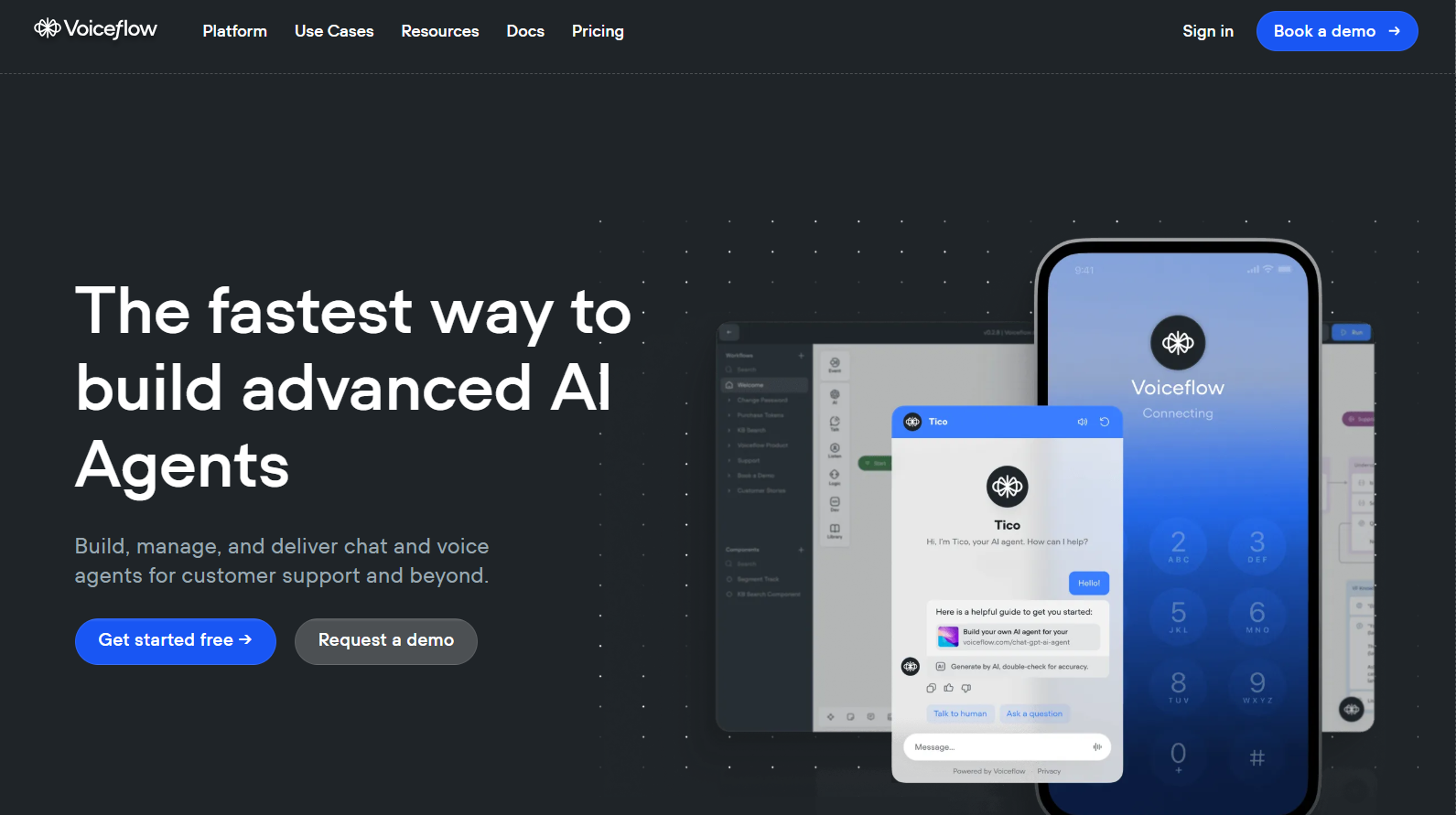
- What it does: Creates sophisticated chatbots and voice assistants with drag-and-drop tools.
- Replaces: Backend developers and AI specialists for conversational interfaces.
- Best for: Customer service bots, voice assistants, interactive experiences.
Building a chatbot used to require deep knowledge of AI, natural language processing, and complex programming. Voiceflow makes it as simple as connecting building blocks.
You design conversation flows visually, add responses, connect to databases, and deploy across multiple platforms – all without writing code. The AI handles understanding what users say and responding appropriately.
- Advanced capabilities: Create bots that can make appointments, answer complex questions, integrate with your existing systems, and even process payments.
- Real-world impact: Small businesses create customer service bots that handle 80% of common questions. This saves thousands of dollars in support costs while improving customer satisfaction.
- The bottom line: Democratizes AI-powered customer interactions. You don't need a team of AI specialists to create professional chatbots that help your business.
9. Notion AI - Your Project Manager and Writer
- What it does: Organizes projects, writes documentation, and manages development workflows.
- Replaces: Project managers, technical writers, and documentation specialists.
- Best for: Project planning, team coordination, knowledge management.
Notion AI transforms how you organize and document your development projects. It can summarize meetings, create user stories, generate project timelines, and write technical documentation that actually makes sense.
The smart part: It learns from your existing content and maintains consistency across all your documentation. Need a project roadmap? It creates one based on your current tasks and deadlines.
- Workflow integration: Connects everything – from initial ideas to final documentation. Your entire project lifecycle lives in one organized space.
- Real-world impact: Teams spend 60% less time on administrative tasks. Documentation stays up-to-date automatically, and project planning becomes collaborative and visual.
- The bottom line: Turns project chaos into organized, actionable plans. Perfect for solo developers who need to stay organized or teams that want better coordination.
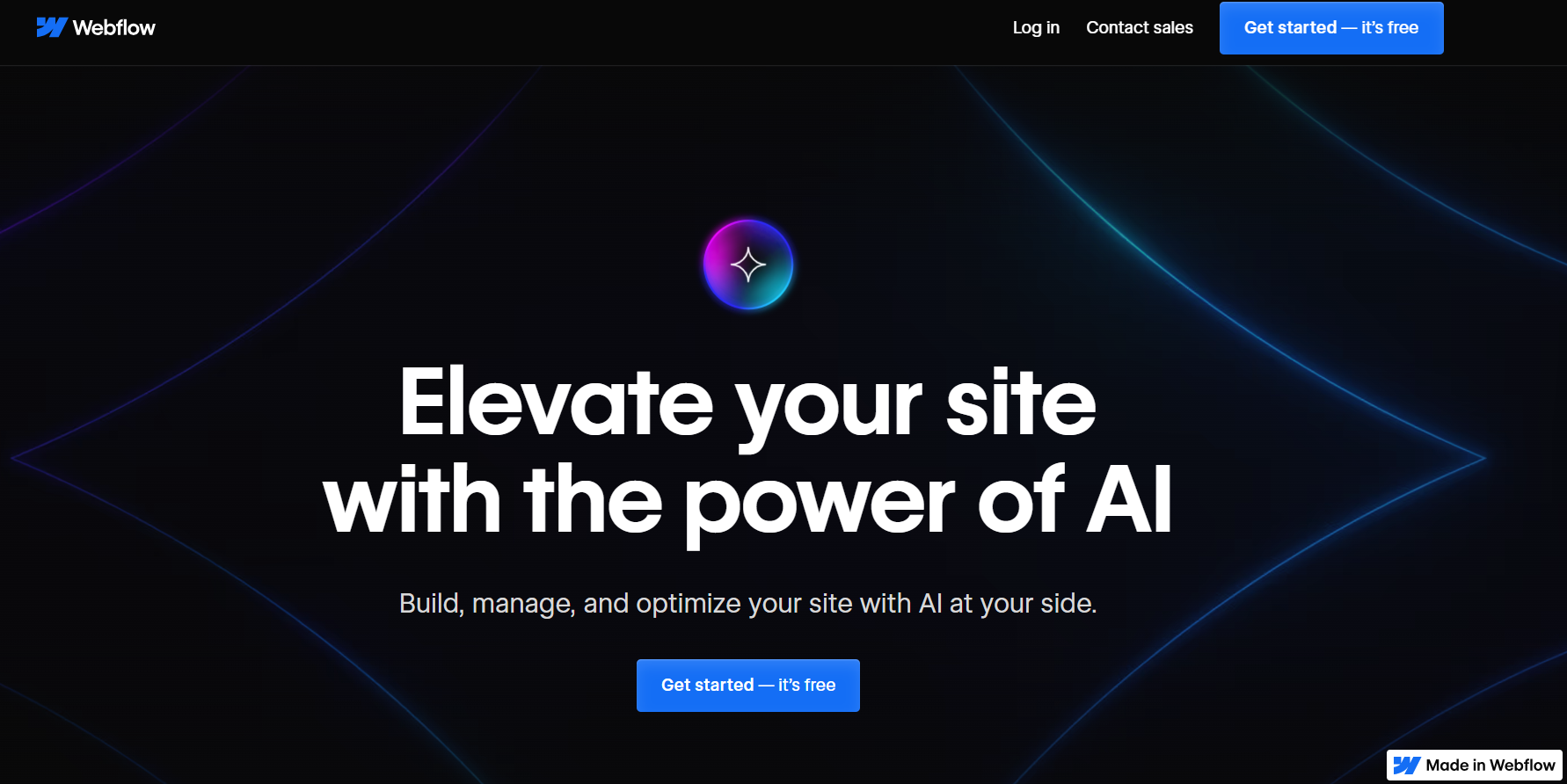
10. Builder.io & Webflow AI - Visual Development Made Simple
- What it does: Combines visual design with AI-powered code generation.
- Replaces: Frontend developers for standard to complex websites.
- Best for: Custom websites, e-commerce stores, interactive web experiences.
These platforms bridge the gap between design and development. You create visually using drag-and-drop tools, while AI generates clean, optimized code behind the scenes.
The result: Websites that look custom-designed but are built faster than traditional coding allows. The AI ensures your designs work perfectly on all devices and browsers.
- Advanced features: E-commerce integration, custom animations, CMS capabilities, and SEO optimization – all handled through visual interfaces with AI assistance.
- Real-world impact: Agencies deliver projects 3x faster while maintaining high quality. Non-technical founders can create sophisticated web experiences without hiring large development teams.
- The bottom line: Perfect middle ground between template limitations and custom development complexity. You get the best of both worlds.
The Big Picture: What This Means for You
These tools aren't just making development easier – they're fundamentally changing who can build digital products. You no longer need a computer science degree or years of experience to create professional software.
- For solo entrepreneurs: You can now validate ideas and build MVPs without significant upfront investment in development teams.
- For small teams: A few people with these tools can compete with much larger organizations.
- For experienced developers: These tools handle routine tasks, freeing you to focus on creative problem-solving and architecture.
- The reality check: These tools won't replace human creativity, business understanding, or complex problem-solving. But they will handle about 70-80% of routine development work.
Getting Started
Pick one or two tools that address your biggest pain points. Start small, learn how they work, then gradually integrate more tools into your workflow. The goal isn't to use all of them – it's to find the combination that makes you most productive.
The future of development is here, and it's more accessible than ever. These AI tools are your gateway to building the digital products you've always dreamed of creating.


.png&w=1200&q=75)