


Let's explore Model Context Protocol (MCP)—a powerful way to connect tools, data, and models. MCP lets you run servers that expose capabilities like search, file operations, or custom APIs, making them instantly available to your agents or AI apps.
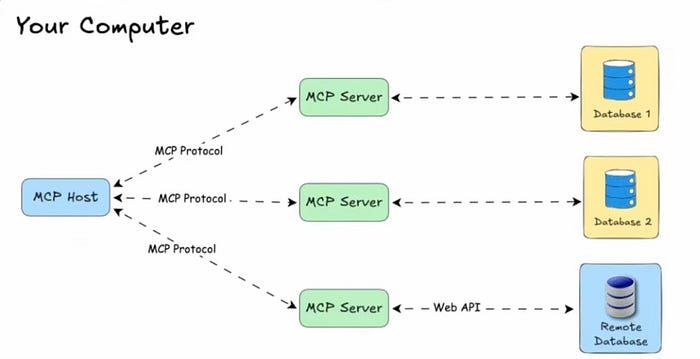
Understanding → Model Context Protocol(MCP)
MCP (Model Context Protocol) is a standardized way for AI models to interact with tools, APIs, and data in real time. Since Anthropic launched it in November 2024, MCP adoption has grown quickly with many developers and companies building their own servers.
Why it matters:
- Standardization: Clear, structured communication between models and tools.
- Flexibility: Works with any LLM or AI agent.
- Scalability: Client-server architecture supports multiple integrations from a single host.
- Extensibility: Add custom servers for search, file operations, APIs, or any domain-specific task.
We've curated 10 MCP servers you should check out—perfect for developers building powerful AI workflows.
How to use MCP Server in Cursor?
We'll look at using MCP servers with Cursor, and the process will be similar for other tools.
- Open Cursor Settings and go to Tools and Integrations.
- Click on New MCP Server, which will open an mcp.json file.
- Paste the code into the mcp.json file.
1. GitHub MCP Server
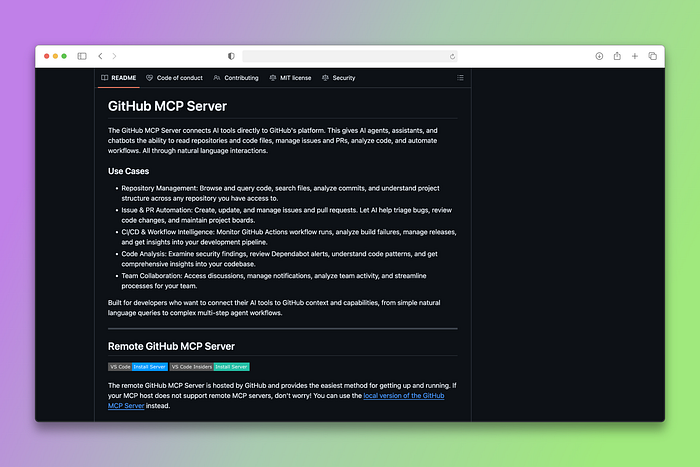
The GitHub MCP server allows your AI to interact directly with GitHub repositories, issues, pull requests, and more. With this server, you can automate repository management, code reviews, and project tracking seamlessly.
To use the GitHub MCP Server in Cursor, paste the following code into the mcp.json file:
Example Query:
"List my GitHub repositories" and Cursor will fetch them for you using GitHub MCP Server.
Why It's Worth It:
- Stay in your IDE: Create PRs, manage issues, and review code without switching between tools.
- Automate the boring stuff: Let AI handle repetitive tasks like assigning reviewers and updating project boards.
- Smart code analysis: Get insights from commit history and help understanding legacy code.
I personally use the GitHub MCP server to push my changes, pull changes from the remote repo, and create PRs. I recommend you check it out.
2. BrightData MCP Server
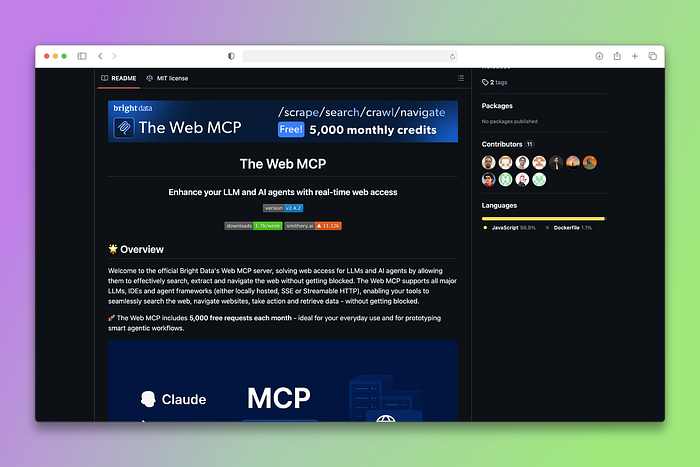
BrightData MCP server provides a powerful all-in-one solution for public web access and data scraping. With this server, your AI can access real-time web data, scrape websites, and gather information from across the internet.
How to use BrightData MCP Server in Claude Desktop
- Open Claude Desktop.
- Go to Settings → Developer → Edit Config.
- Add the following to your claude_desktop_config.json file:
Example Query:
What's Tesla's current market cap?" BrightData will fetch the current data and respond to your question.
Why It's Worth It:
- Real-time market data: Monitor competitor pricing and industry trends automatically.
- Ethical scraping built-in: Handle complex sites and anti-bot measures without compliance worries.
- Scale effortlessly: Collect data from thousands of pages without managing infrastructure.
With BrightData MCP Server, your AI gains a direct gateway to the live web, turning static knowledge into dynamic, real-time intelligence.
3. GibsonAI MCP Server
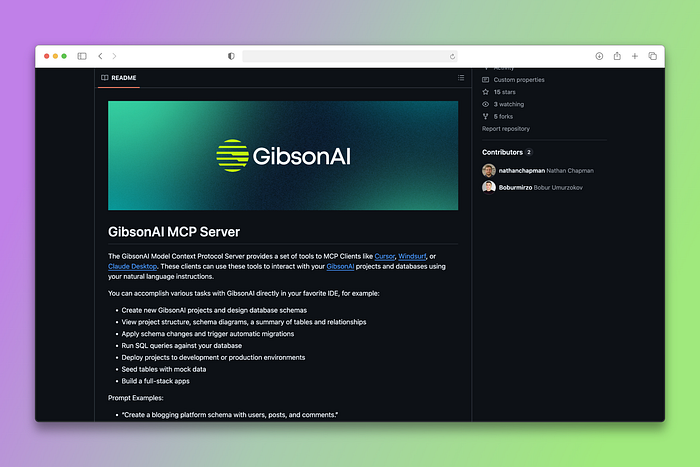
GibsonAI MCP Server is the only MCP Server you need to design, deploy, manage, and scale serverless SQL databases instantly from your favorite IDE. It provides full, real-time context to your AI, so it knows your schema, API endpoints, and environment, producing accurate, ready-to-use code instead of generic guesses.
How to use GibsonAI MCP Server in Cursor
Prerequisites
- Create a GibsonAI account.
- Install UV.
- Log in to the Gibson CLI before the MCP server will work. Run the code below in your terminal and authenticate your account:
To use GibsonAI MCP Server in Cursor, paste the following code into the mcp.json file:
Example Query:
"Create an e-commerce database for my clothing brand" and watch Cursor create the database for you using GibsonAI MCP Server. You can also tell it to deploy the database and watch it deploy for you, providing you with the connection URL.
Why It's Worth It:
- Database management from your IDE: Design schemas, write queries, and handle migrations without leaving your editor.
- Context-aware code: AI understands your actual database structure and generates integrated code.
- Serverless scaling simplified: Focus on features while AI handles database optimization and maintenance.
GibsonAI has become my go-to database platform for building anything, and there's no better way to use it than through their MCP Server right inside my IDE.
4. Notion MCP Server
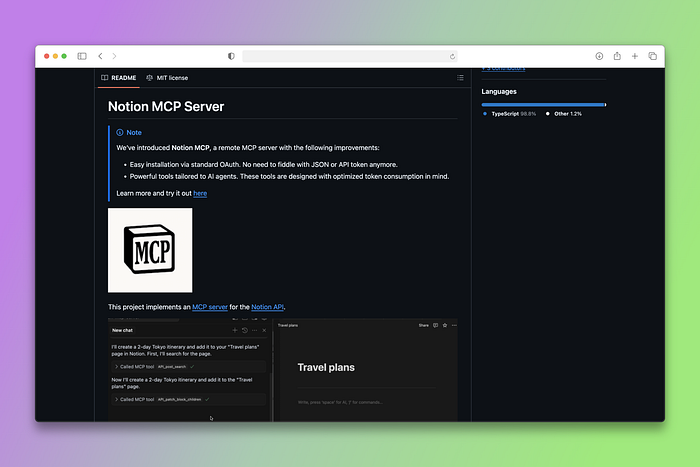
The official Notion MCP server enables AI assistants to interact with Notion's API, providing a complete set of tools for workspace management. Your AI can create, read, update, and manage Notion pages, databases, and workspaces.
How to Use Notion MCP Server in Cursor
- Create a Notion Integration
- Go to Notion Integrations.
- Click New Integration (or select an existing one).
- Grant it Read, Write, Update, or Insert access to the pages you want:
- Click Access → select the page(s) → click Update Access.
- Copy your Internal Integration Secret.
To use Notion MCP Server in Cursor, paste the following code into the mcp.json file:
Replace ntn_**** with your actual Notion Internal Integration Secret.
Example Query:
"Create a new Notion page titled 'Weekly Report' with today's date and a checklist for tasks."
Why It's Worth It:
- Auto-organize everything: AI creates templates, organizes notes, and maintains your knowledge base.
- Seamless workflow: Connect your existing Notion setup with intelligent categorization and summaries.
- Content creation made easy: Generate structured documents with proper formatting and tagging.
If you use Notion daily, give their MCP Server a try. It makes your workflow faster, smoother, and effortlessly organized.
5. Docker Hub MCP Server
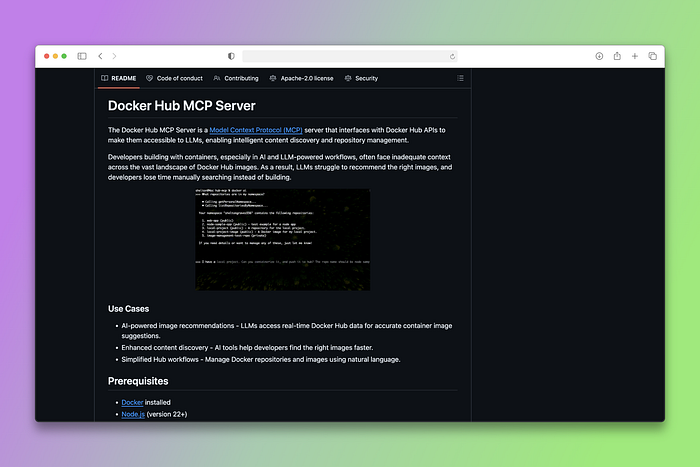
Docker has created their own MCP server implementation that allows AI agents to interact with Docker containers, images, and orchestration.
This server enables your AI to manage containerized applications, deploy services, and handle DevOps tasks. It's a game-changer for developers who want to automate their container workflows.
To use DockerHub MCP Server in Cursor, paste the following code into the mcp.json file:
Why It's Worth It:
- Smart DevOps automation: Diagnose issues, optimize resources, and handle deployments intelligently.
- Skip the command memorization: Just describe what you want, AI handles the Docker complexity.
- Consistent dev environments: Spin up and manage development setups effortlessly.
Read Anthropic's launch blog to get more insights: https://www.anthropic.com/news/model-context-protocol
6. Browserbase MCP Server
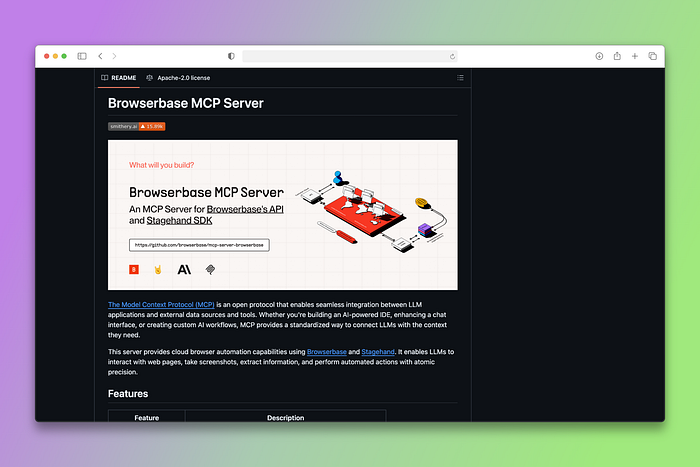
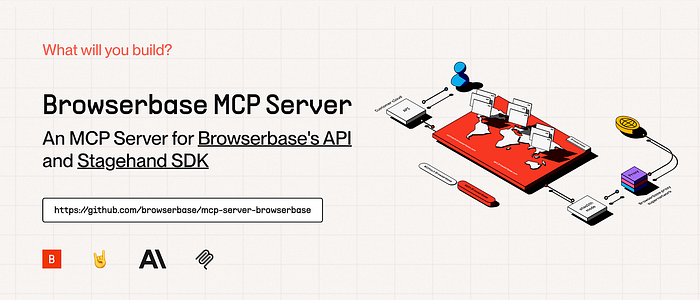
The Browserbase MCP server allows LLMs to control a browser with Browserbase and Stagehand.
This gives your AI the ability to navigate websites, fill forms, click buttons, and perform web automation tasks just like a human would.
It's incredibly powerful for testing web applications, automating repetitive web tasks, or gathering data from dynamic web pages.
Why It's Worth It:
- Handle complex web tasks: Fill forms, navigate dynamic sites, and bypass traditional scraping limitations.
- Smart testing automation: Adapt to UI changes and test user flows like a real person would.
- Eliminate repetitive tasks: Automate booking, monitoring, and other browser-based work.
7. Context7 MCP Server
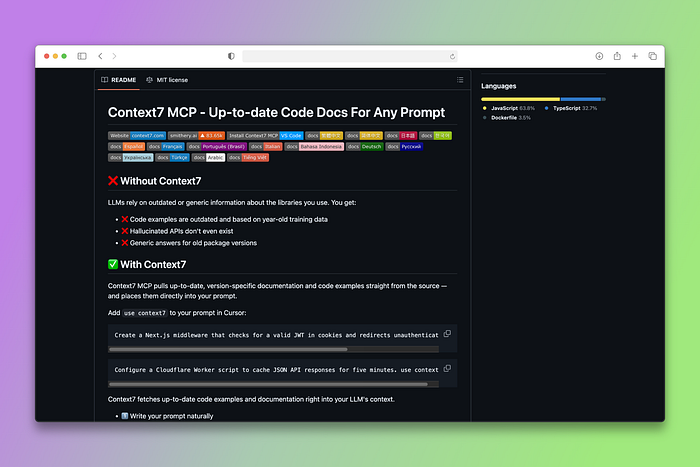
Context7 is a game-changer for developers tired of outdated code examples and hallucinated APIs from AI assistants.
With Context7, your AI pulls up-to-date, version-specific docs and working code straight from the source. No tab-switching, no fake APIs, no outdated snippets. Just add "use context7" to your prompt in Cursor and get accurate, current code that works with today's library versions.
To use Context7 MCP Server in Cursor, Paste the following code into the "mcp.json" file:
Example Query:
"Create a Next.js middleware that checks for a valid JWT in cookies and redirects unauthenticated users to /login. Use Context7." It will fetch the latest docs and use them as context for writing the code.
Why It's Worth It:
- Code that actually works: Get current API versions and modern practices, not deprecated methods.
- Stay up-to-date automatically: AI references latest docs and examples for cutting-edge features.
- Less debugging time: Spend more time building, less time fixing AI-generated code.
Once you start using Context7 MCP server in your IDE, there will be no going back. You'll feel the difference it makes. I mostly use it when I'm working with an unpopular framework.
8. Figma MCP Server
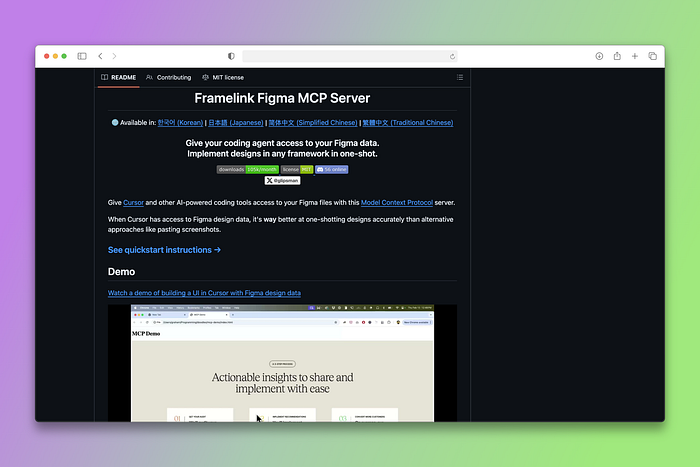
The Figma MCP server allows you to integrate with Figma APIs through function calling, supporting various design operations. Your AI can handle design file access, component extraction, and layout analysis seamlessly. This is particularly useful for design-to-code workflows and automated UI implementation systems.
To use Figma MCP Server in Cursor, paste the following code into the mcp.json file:
Convert Figma designs to code accurately without manual interpretation.
Why It's Worth It:
- One-shot design implementation: Convert Figma designs to code accurately without manual interpretation.
- Automate design workflows: Component extraction, style guide generation, and design token creation on autopilot.
- Design-to-code integration: Seamlessly bridge the gap between design and development with Figma's complete ecosystem.
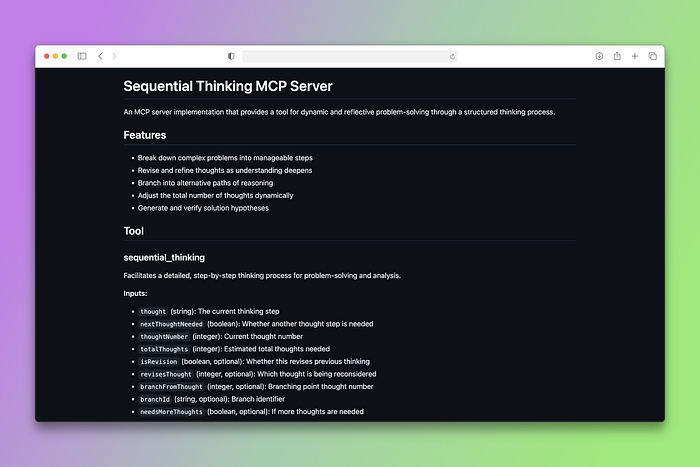
Sequential Thinking is one of the most popular MCP servers, providing tools for dynamic and structured reasoning.
This server enhances your AI's ability to think through complex problems step by step, making it perfect for tasks that require logical reasoning, planning, and structured problem-solving.
How to use Sequential Thinking MCP Server in Claude Desktop
- Open Claude Desktop.
- Go to Settings → Developer.
- Click Edit Config to open claude_desktop_config.json.
- Add the following to your claude_desktop_config.json file and save it:
Restart Claude Desktop.
Example Query:
"Plan a migration from Flask to FastAPI: inventory routes, map dependencies, rewrite patterns, testing strategy, rollout plan, and rollback triggers.”
Why It's Worth It:
- Break down complex problems: Get clear, step-by-step reasoning paths you can follow and verify.
- Strategic planning help: Create comprehensive plans with logical dependencies and timelines.
- Better decision making: Structured analysis of pros, cons, and risks for informed choices.
I recommend you use this MCP server for an enhanced chain of thought and better answers to complex questions.
10. Discord MCP Server
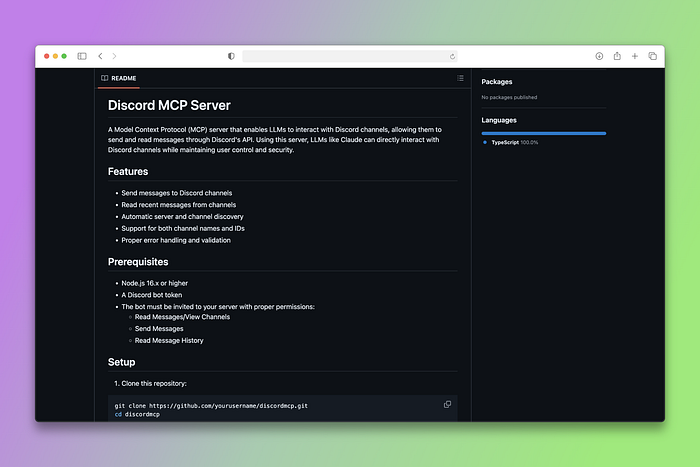
Discord MCP Server is a powerful Model Context Protocol server for Discord workspaces, enabling AI assistants to read, search & optionally post messages in channels, threads, DMs, and group DMs, all with advanced features like Smart History (by date or count), embedded user info, and enterprise server support
How to use the Discord MCP Server in Claude Desktop
Prerequisites
- Node.js 16.x or higher
- A Discord bot token
- The bot must be invited to your server with proper permissions:
- Read Messages/View Channels
- Send Messages
- Read Message History
Setup
Clone this repository:
Install dependencies:
Create a .env file in the root directory with your Discord bot token:
Build the server:
Usage with Claude for Desktop
Open your Claude for Desktop configuration file:
- macOS:
~/Library/Application Support/Claude/claude_desktop_config.json - Windows:
%APPDATA%\\\\Claude\\\\claude_desktop_config.json
Add the Discord MCP server configuration:
Why It's Worth It:
- Smart community insights: Summarize conversations, track action items, and provide context-aware responses across Discord servers.
- Never lose information: Instantly find important decisions and discussions across all channels and threads.
- Workflow automation: Auto-notify community members, schedule reminders, and manage project updates seamlessly.
Wrapping Up
The beauty of MCP servers is their standardized approach. Once you understand how to integrate one MCP server, you can easily add others to expand your AI's capabilities.
Whether you're building customer service bots, development assistants, or specialized AI applications, these servers provide the external connectivity your AI needs to be truly useful.
And there you have it, 10 MCP servers that are worth using and definitely worth checking out.


.png&w=1200&q=75)